

The Ultimate Local SEO Checklist: Get Your Brick-and-Mortar Business on the Map
Maria stood behind the counter of her beloved bookstore, the scent of fresh coffee and old paper in the air. She had the best-curated collection in town and a five-star reputation with her regulars, yet the stream of new faces had slowed to a trickle. Later that day, a friend texted her, “I was just a block away and searched ‘bookstores near me’ to find you, but your competitor’s shop came up first!” It was a gut punch. Maria realised her beautiful, physical store was practically invisible in the digital world where nearly half of all Google searches are for local information. Her problem wasn’t her product; it was her online presence. This story is all too common for brick-and-mortar businesses. You’ve perfected your craft, but you’re losing customers to competitors who are easier to find online. The solution is Local Search Engine Optimization (SEO) a set of powerful strategies designed to make your business the most visible and trusted choice in your local area. Forget the complex jargon. This is your actionable checklist to put your business on the digital map and turn online searches into foot traffic. Master Your Google Business Profile (Your Digital Storefront) Your Google Business Profile (GBP) is the single most important factor for local search success. It’s your digital front door, and according to HubSpot, a staggering 46% of all Google searches have local intent. Optimizing your profile is the fastest way to capture that traffic. ☐ Claim and Verify Your Profile: This is the non-negotiable first step. Go to google.com/business to gain control of your listing. ☐ Nail Your NAP (Name, Address, Phone Number): This information must be 100% consistent everywhere it appears online. Any variation confuses Google and hurts your ranking. ☐ Choose the Right Categories: Be specific. Instead of “Restaurant,” choose “Italian Restaurant” or “Vegan Restaurant.” This helps Google match you to more relevant searches. ☐ Write a Compelling Business Description: You have 750 characters. Use them to describe what you do, who you serve, and what makes you unique. Naturally include your main services and city name. ☐ Upload High-Quality Photos & Videos: According to BrightLocal’s 2023 consumer review survey, customers spend 2.5 times longer on profiles with photos. Show off your storefront, interior, products, and smiling team. ☐ Create Regular Google Posts: Share offers, events, and updates. These posts act as mini-ads that appear directly in your profile, keeping your listing fresh and engaging. On-Page SEO (Tuning Up Your Website for Local Search) Your website must reinforce the signals your Google Business Profile is sending. The goal is to make it crystal clear to Google where you operate. ☐ Add Your City/Region to Key Places: Include your location naturally in your website’s Title Tags (e.g., “Artisan Bakery in [Your City]”), Meta Descriptions, and page headings. ☐ Display Your NAP Prominently: Ensure your full Name, Address, and Phone Number are clearly visible in your website’s footer and on your contact page. ☐ Embed a Google Map: An interactive map on your contact page is a powerful, visual signal of your location. ☐ Implement Local Business Schema Markup: This is a small piece of code that explicitly tells search engines your address, hours, and business type. It’s a behind-the-scenes boost that helps Google display your information accurately. Building Citations (Getting Your Business Listed) Citations are mentions of your business’s NAP on other websites and online directories like Yelp, Apple Maps, and industry-specific sites. Consistent citations across the web validate your location and build trust with Google. ☐ Audit Your Existing Citations: Find and correct any listings with outdated or incorrect information. Inconsistency is a major red flag for search engines. ☐ Get Listed in Core Directories: Ensure you have a presence on the major platforms relevant to your industry. ☐ Find Niche & Hyper-Local Directories: Seek out listings on your local Chamber of Commerce website or industry-specific blogs. Managing dozens of citations can be a significant drain on a decision-maker’s time. For [insert your ideal customer, e.g., busy retail managers] who need to focus on running their business, a dedicated service can be invaluable. This is where [insert your company or product name] helps by [insert the problem your product or service solves, e.g., managing all your online listings and ensuring perfect consistency across the web], freeing you up to serve your customers. Reputation Management (Winning with Customer Reviews) Reviews are the lifeblood of a local business. Positive reviews not only influence customers 74% of consumers say they trust a local business more if it has positive reviews, BrightLocal) but they also directly impact your search ranking. ☐ Actively Ask for Reviews: Don’t wait for them to happen. Make it easy by sending a follow-up email with a direct review link or creating a QR code for your checkout counter. ☐ Respond to ALL Reviews (The Good and the Bad): Responding shows that you are an engaged owner who values customer feedback. Thank positive reviewers and address negative feedback professionally and publicly. ☐ Weave Keywords into Your Responses: When appropriate, mention your services or location in your reply (e.g., “We’re so glad you enjoyed our services here in [New York]!”). Conclusion: From Invisible to Unavoidable Local SEO is no longer a “nice to have”; it’s a fundamental requirement for survival and growth. Remember that 76% of people who conduct a local search on their smartphone visit a business within 24 hours, according to Google. By systematically working through this checklist—optimizing your Google profile, tuning your website, building citations, and managing your reputation—you build a powerful online presence that drives real-world results. These steps are the blueprint for turning online searchers into loyal, local customers. And if you need a partner to help you execute this strategy flawlessly, Quick Slice is here to ensure your business gets the visibility it deserves. Now that you have the checklist to dominate your local market, what is the first step you will take to improve
Difference Between On-Page and Off-Page SEO with Example
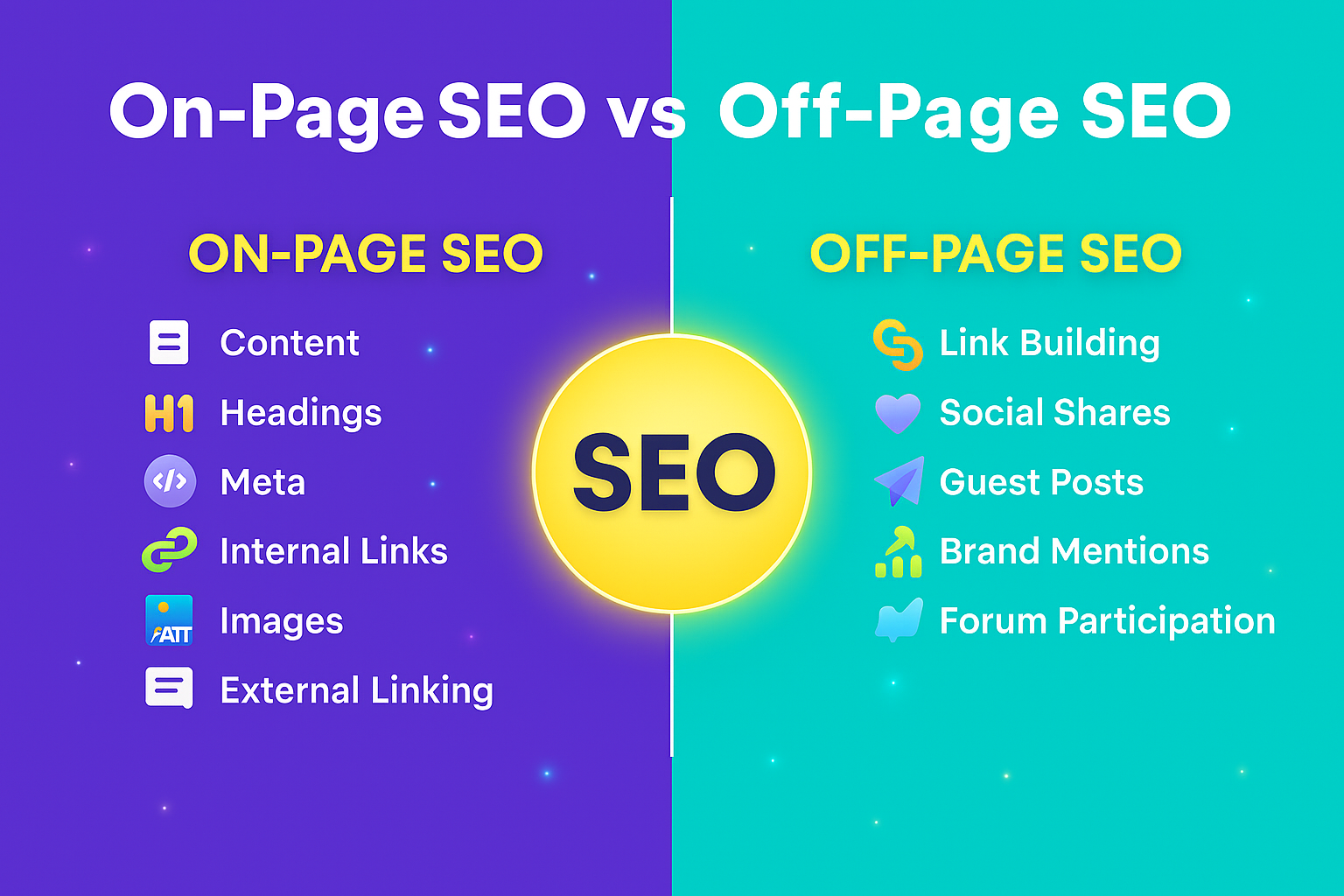
Introduction The difference between On-Page SEO and Off-Page SEO is simple. On-Page SEO focuses on everything you do on your own website, like content, headings, images, and links. Off-Page SEO focuses on things outside your website, like backlinks, social shares, and mentions from other sites. Key Differences Between On-Page and Off-Page SEO Aspect On-Page SEO Off-Page SEO Definition Optimization done on your website Optimization done outside your website Purpose Helps search engines understand your page topic Builds website authority and trust Examples Content, meta tags, headings, images, internal links Backlinks, social shares, guest posts, brand mentions Control Fully under your control Partially under your control Impact Immediate ranking signals Long-term ranking & credibility What is On-Page SEO? On-Page SEO is all about optimizing elements on your own website. The main goal is to make your content and pages clear and understandable for both users and search engines. On-Page SEO Checklist (with Short Descriptions) Title Tags & Meta Description Create clear and engaging titles and meta descriptions so search engines and users understand your page. Headings (H1, H2, H3) Organize content with headings. H1 for the main title, H2/H3 for subtopics. Content (Text, Audio, Video) Use high-quality text, audio, and videos. Properly optimized content is the backbone of On-Page SEO. Search Intent Match your content to what users are looking for: informational, navigational, or transactional. Keyword Placement Include target keywords naturally in titles, headings, paragraphs, and image alt texts. Internal Linking Link to other relevant pages on your site so users can explore and Google understands site structure. Image Optimization Compress images, add alt texts, and maintain proper sizes for fast loading and SEO. URL Structure Keep URLs clean and readable, reflecting your page topic (example: yourwebsite.com/on-page-seo). Mobile-Friendly & Page Speed Ensure your website is responsive and loads fast on all devices. Schema Markup Add structured data like FAQs, reviews, or articles to help search engines better understand your content. What is Off-Page SEO? Off-Page SEO focuses on optimizations done outside your website. It signals to search engines that your site is trusted and authoritative, which helps boost your ranking over time. Off-Page SEO Checklist (with Short Descriptions) Backlinks Acquire high-quality backlinks from relevant, authoritative websites. Guest Posting Publish content on trusted blogs with links back to your site. Social Media Signals Share content on platforms like Facebook, LinkedIn, and Instagram to increase engagement. Brand Mentions Mentions of your website or brand on other sites, even without backlinks, build trust. Influencer Outreach Collaborate with industry influencers to share and promote your content. Forum & Community Participation Engage in niche-relevant forums and communities like Reddit or Quora. Local Listings & Citations Ensure your business is listed in directories like Google My Business, Yelp, and Bing Places. Reviews & Testimonials Collect positive reviews and testimonials on Google, Yelp, or industry platforms. Content Syndication Republish your content on trusted platforms to increase reach and visibility. Press Releases Publish newsworthy updates through press release platforms to gain high-authority backlinks and recognition. Conclusion On-Page SEO and Off-Page SEO are both important parts of a successful SEO strategy. On-Page SEO helps you make your website organized, clear, and user-friendly, while Off-Page SEO builds trust and authority by showing search engines and users that others value your site. By combining both, you can improve your website’s rankings, attract more visitors, and build credibility. In short, focus on optimizing your site from the inside and promoting it from the outside to get the best SEO results.
Difference Between SEO and AEO in 2025 | Complete Guide for Marketers
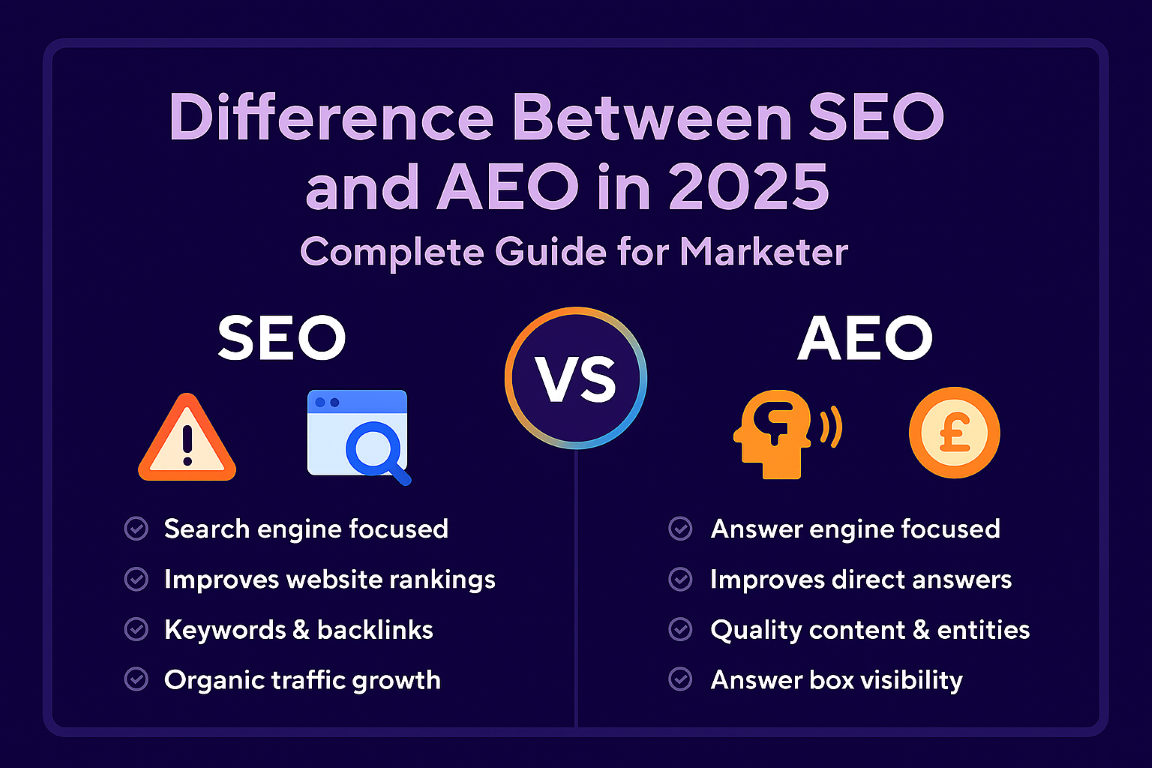
Introduction The digital world never stands still. A few years ago, every business owner and marketer focused on SEO (Search Engine Optimization) as the holy grail of online visibility. Fast forward to 2025, a new player has entered the game: AEO (Answer Engine Optimization). With the rise of AI-powered search assistants like Google SGE (Search Generative Experience), ChatGPT, Bing Copilot, and Perplexity AI, people are no longer satisfied with just search results—they want direct, trustworthy answers. So, what does this shift mean for you? Should you stop investing in SEO and move to AEO? Or should you use both? In this blog, according to seo.com we’ll break down the differences between SEO and AEO in 2025, explore how each works, and give you a roadmap to stay ahead in this changing landscape. What is SEO in 2025? SEO (Search Engine Optimization) is the practice of optimizing websites so they appear higher in search engine results like Google and Bing. But SEO in 2025 is not the same as SEO in 2015. Today, SEO has evolved into a multi-dimensional strategy: Content quality & intent → Google wants content that answers user intent, not just keyword-stuffed blogs. E-E-A-T (Experience, Expertise, Authoritativeness, Trustworthiness) → Content must come from credible sources. Core Web Vitals → Page speed, mobile-friendliness, and user experience remain ranking factors. Semantic & voice search → Search is more conversational. AI-driven updates → Search algorithms now use machine learning to understand context and user behavior. In short, SEO in 2025 is about building trust and authority, not just ranking for keywords. What is AEO in 2025? AEO (Answer Engine Optimization) is the process of optimizing content for AI-driven answer engines. Unlike search engines that provide a list of links, answer engines like ChatGPT, Bing Copilot, and Google SGE give users direct answers to their questions. Instead of asking, “best CRM software 2025” and getting 10 blue links, users now get a single AI-generated answer that summarizes the best CRMs, pros/cons, and pricing—without even clicking a website. Key features of AEO in 2025: Focus on concise, clear, structured answers. Heavy reliance on schema markup, structured data, and FAQs. Prioritises trust signals, credibility, and authoritative sources. Works best for question-based and conversational searches. In short, AEO is all about getting your brand mentioned in AI answers, not just on page one of Google. Core Differences Between SEO and AEO in 2025 Factor SEO (Search Engine Optimization) AEO (Answer Engine Optimization) Focus Ranking websites on search engines Appearing in AI-generated answers Content Type Long-form, detailed blogs & landing pages Short, concise, structured answers (FAQs, snippets) User Intent Informational, navigational, transactional Direct, question-based, conversational Ranking Factors Backlinks, content quality, Core Web Vitals Authority, structured data, trust signals Platform Google Search, Bing, Yahoo Google SGE, ChatGPT, Bing Copilot, Perplexity Goal Drive traffic to the website Provide direct answers, brand visibility Why AEO Matters More in 2025 You may be thinking: “If I already do SEO, why should I care about AEO?” Here’s why AEO is critical in 2025: AI is eating search traffic → According to industry reports, over 40% of users now prefer AI-generated answers instead of scrolling through websites. User behaviour is shifting → People want instant answers instead of browsing multiple links. Google SGE is changing SERPs → Instead of 10 results, users see AI overviews at the top. Voice search growth → Smart assistants like Alexa, Siri, and Google Assistant rely on AEO-friendly content to answer questions. If your brand doesn’t appear in AI answers, you risk losing visibility—even if your SEO is strong. Can SEO and AEO Work Together? The truth is: SEO and AEO are not enemies—they’re teammates. SEO fuels AEO → Without strong SEO (content quality, backlinks, trust signals), your content won’t be picked up by AI engines. AEO amplifies SEO → By optimizing content for answers, you increase chances of appearing in both search engines and AI assistants. The smartest strategy for 2025 is a hybrid approach: use SEO to build authority + AEO to capture AI-driven traffic. How to Optimize for AEO in 2025 If you want to future-proof your digital presence, here are actionable steps: Use Structured Data (Schema Markup) Add FAQ schema, How-to schema, and Product schema. Helps AI understand and pull answers from your site. Answer Questions Directly Create an FAQ section in blogs and service pages. Write short, 40–60 word answers for quick pickup. Focus on Conversational Queries Optimize for voice search keywords: “how,” “what,” “why,” “best way to…” Use natural language, not robotic phrases. Strengthen E-E-A-T Show author bios with expertise. Cite reputable sources. Build brand trust with case studies, testimonials, and reviews. Content Format for AEO Use bullet points, numbered lists, and short paragraphs. Summarize complex topics in simple words. Stay Active on Multiple Platforms Optimize not just for Google but also for Bing Copilot, ChatGPT Plugins, and other AI tools. Conclusion In 2025, the battle is not SEO vs. AEO—it’s SEO + AEO. SEO helps you rank and build trust. AEO helps you get picked by AI engines and assistants. If you’re a business owner or marketer, the smartest move is to adapt now. Build SEO authority while preparing your content for AEO. The brands that embrace both strategies will not only survive but thrive in the new era of search.
How to Do On-Page SEO in WordPress Using Rank Math (Step by Step)
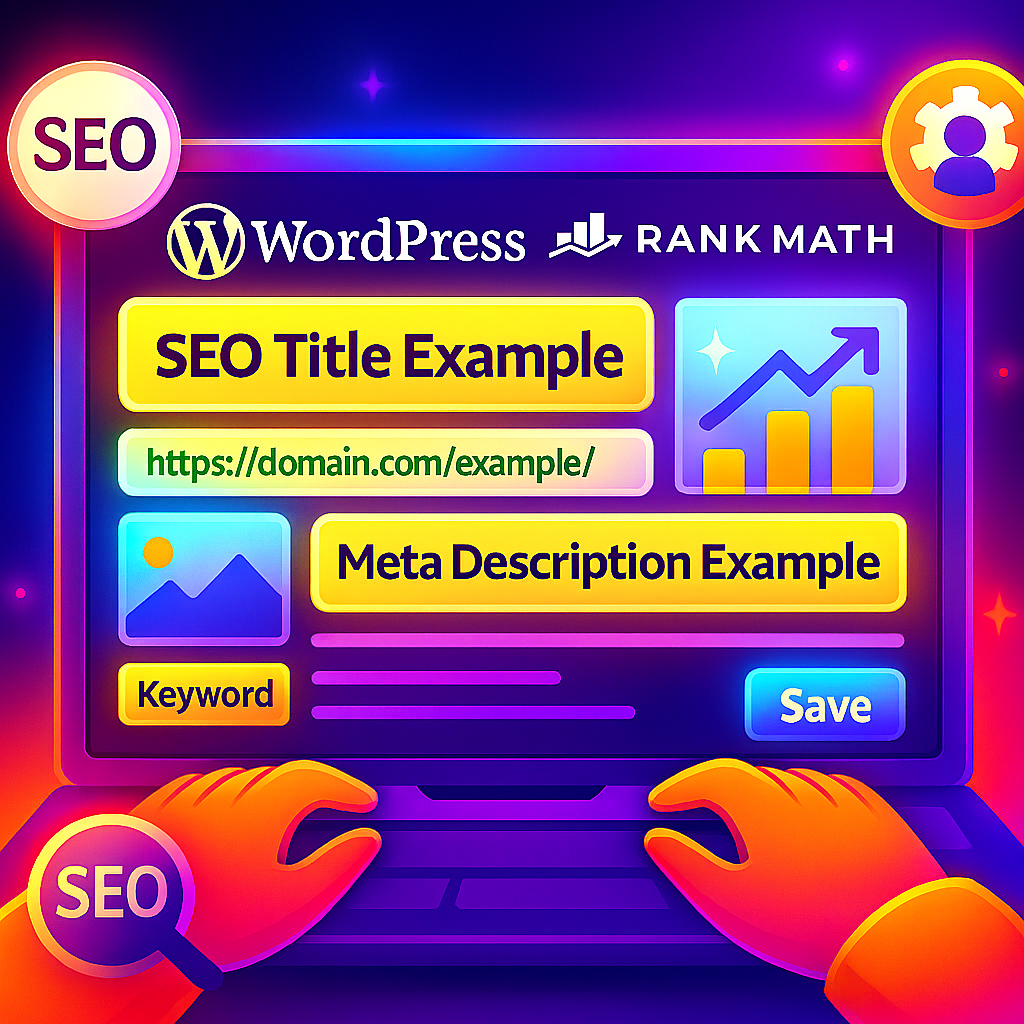
If you’re running a WordPress website, doing on-page SEO is one of the most important steps to rank higher in Google. Without optimization, even the best content may stay hidden from your audience. In this guide, I’ll walk you through how to do on-page SEO in WordPress step by step using Rank Math, so that your content is optimized and ready to perform in search engines. Step 1: Prepare Your Content Before you log in to WordPress, prepare your full article in a document. Choose your focus keyword (e.g., “On-Page SEO in WordPress”). Create a clear structure with H1, H2, and H3 headings. Keep paragraphs short and easy to read. Step 2: Login to WordPress Dashboard Go to your domain.com/wp-admin Enter your username and password. Click Login to access the dashboard. Step 3: Install Plugins From Dashboard → Plugins → Add New Search for Rank Math SEO → Install → Activate Search for Classic Editor → Install → Activate Step 4: Create a New Post Dashboard → Posts → Add New This opens the post editor where you will write your content. Step 5: Add Page Title (H1) In the title box at the top, type your main post title. Example: “On-Page SEO in WordPress – Step by Step Guide” Step 6: Add Full Content Paste your pre-written content in the main content box. Use H2 for main sections and H3 for subpoints. Break paragraphs into 2–4 lines for readability. Step 7: Add Images, Internal and External Links Images: Upload images relevant to your content. Add Alt Text with keywords. Internal Links: Highlight text → click link → choose other posts/pages. External Links: Add authoritative references (open in new tab). Step 8: Edit Snippet (Meta Title, Description, Permalink) In the Rank Math sidebar → Edit Snippet. SEO Title: On-Page SEO in WordPress (Full Guide) Meta Description: Learn how to do on-page SEO in WordPress using Rank Math. Step by step process with title, headings, images, internal links, schema, and publishing. Permalink: Edit slug → on-page-seo-wordpress Step 9: Add Featured Image On the right sidebar → Featured Image → upload a professional image representing your post. Step 10: Save and Publish Click Save Draft first (optional). When ready → Click Publish. After publishing → Go to Google Search Console → URL Inspection → paste post URL → click Request Indexing.